English
 العربية

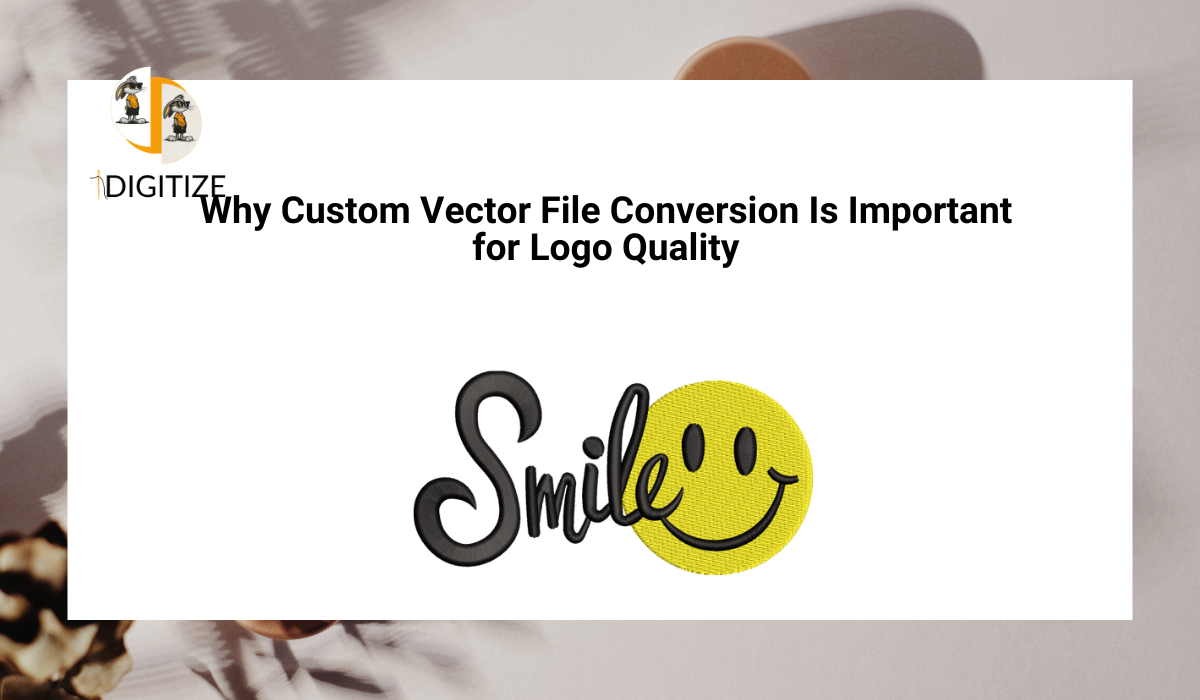
A logo is one of the most valuable assets for any business. It appears on websites, packaging, uniforms, and marketing materials. However, many businesses start with logos in low-quality formats, which can lead to problems when used for printing or production.
This is where Custom Vector File Conversion becomes essential. It transforms pixel-based images into scalable and precise vector formats, ensuring that logos remain clear and professional in all applications.
This guide explains why vector conversion is critical for logo quality and how it helps businesses maintain strong branding.
Why Logo Quality Matters for Businesses
Logo quality directly affects how a brand is perceived. A blurry or distorted logo can create a negative impression and reduce customer trust.
High-quality logos appear clean, sharp, and consistent across all platforms. This improves brand recognition and supports a professional image.
Ensuring proper logo quality is not just a design decision but a business necessity.
The Problem With Raster Logo Files
Many logos are created or saved in raster formats like JPG or PNG. These files are made of pixels and lose quality when resized.
When used for printing or embroidery, raster logos may appear blurry, jagged, or distorted. This can affect the final output and create additional production issues.
Custom conversion solves these problems by creating scalable vector files.
How Vector Conversion Improves Logo Clarity
Vector files use mathematical paths to define shapes, allowing them to maintain clarity at any size.
Custom conversion recreates logos with smooth lines and accurate shapes. This removes pixelation and ensures that every detail is clearly defined.
Using Custom Vector File Conversion helps businesses achieve clean and professional logo presentation.
Maintaining Consistent Branding Across Platforms
Logos are used in multiple formats and sizes, from small icons to large banners.
Vector files ensure that logos maintain their proportions and appearance across all applications. This consistency is essential for building a strong brand identity.
Businesses that use vector logos can maintain uniform branding across digital and print platforms.
Supporting High-Quality Printing Results
Printing requires precise and structured artwork.
Vector logos provide sharp edges and accurate details, which improve print quality. This reduces issues such as blurry images or uneven lines.
Professional conversion ensures that logos are ready for printing without additional adjustments.
Importance for Embroidery and Product Customization
Embroidery is widely used for branding on uniforms, caps, and promotional items.
Vector artwork is often required for embroidery digitizing. Clean vector files help create accurate stitch files, improving embroidery quality.
Businesses working with providers like idigitize benefit from better preparation for embroidery projects.
Improving Flexibility for Future Use
Businesses often need to use their logos in different ways over time.
Vector files are flexible and easy to edit. Designers can adjust colors, sizes, or elements without affecting quality.
This flexibility supports branding updates and new marketing campaigns.
Reducing Long-Term Design Costs
Poor-quality logos may require repeated adjustments or redesign, which increases costs.
Custom vector conversion provides a reusable and scalable file that can be used for multiple projects. This reduces the need for repeated design work.
Investing in proper conversion helps businesses save money over time.
Manual vs Automatic Conversion for Logo Quality
Automatic conversion tools can quickly trace images, but they often produce rough or inaccurate results.
Manual conversion ensures better quality by carefully recreating the design with precision. This results in smoother lines and more accurate shapes.
Professional services focus on manual work to achieve higher standards.
Common Logo Issues Solved by Vector Conversion
Custom vector conversion helps resolve several common problems.
Pixelation, uneven edges, incorrect shapes, and poor scaling are often caused by raster images. Converting these files into vector format eliminates these issues.
This improves overall logo quality and usability.
How to Choose the Right Vector Conversion Service
Selecting the right provider is important for achieving the best results.
Businesses should review sample work, confirm file formats, and evaluate communication. Reliable providers deliver accurate and production-ready files.
Testing a service with a small project can help ensure quality.
Professional Tips for Better Logo Results
Businesses can improve outcomes by following practical steps.
Providing high-resolution source images helps designers create accurate vector files. Clearly explaining usage requirements ensures proper preparation.
Maintaining organized design files also supports future use.
Conclusion
Logo quality plays a critical role in branding and business presentation. Custom Vector File Conversion ensures that logos are clear, scalable, and suitable for printing, embroidery, and digital use.
For businesses that want consistent and professional branding, investing in proper vector conversion is an essential step toward long-term success.
FAQ Section
Why is vector conversion important for logos?
It ensures logos remain clear and scalable across different uses.
Can raster logos be used for printing?
Yes, but they may lose quality when resized.
What formats are used for vector logos?
AI, EPS, SVG, and PDF are common.
Is manual conversion better than automatic?
Yes, it provides better accuracy and quality.
Can vector logos be reused?
Yes, they can be used for multiple projects.