



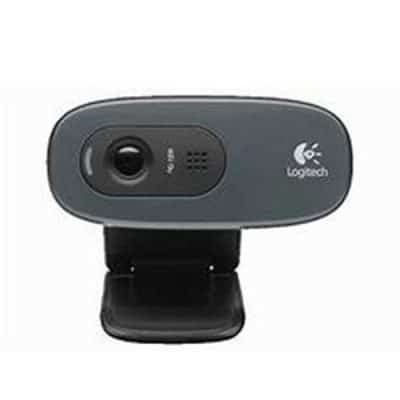
Description: SIMPLE HD VIDEO CALLS The C270 HD Webcam gives you sharp, smooth conference calls (720p/30fps) in a widescreen format. Automatic light correction shows you in lifelike, natural colors. WIDESCREEN HD 720P VIDEO CALLS Crisp HD 720p/30 fps video calls with diagonal 55° field of view and auto light correction. Compatible with popular platforms including SkypeTM and Zoom®. MONO NOISE-REDUCING MIC The built-in noise-reducing mic makes sure your voice comes across clearly up to 1.5 meters(5 ft) away, even if you’re in busy surroundings. AUTO-LIGHT CORRECTION C270’s RightLightTM 2 feature adjusts to lighting conditions, producing brighter, contrasted images to help you look good in all your conference calls. FIRM MOUNTING OPTION The adjustable universal clip lets you attach the camera securely to your screen or laptop, or fold the clip and set the webcam on a shelf. You’re always ready for your next video call.
Code:3971128
Only logged in customers who have purchased this product may leave a review.
Related Products
Out of stock
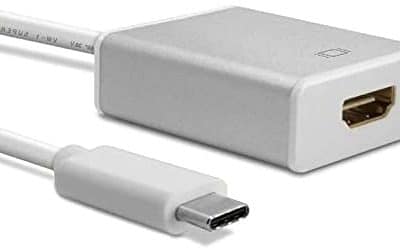
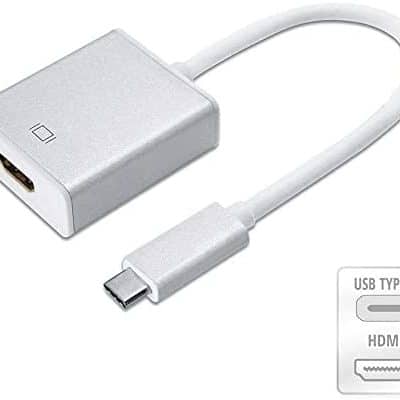
Brand: Other Type: Adapters Compatible with: Multi Are batteries needed to power the product or is this product a battery: 0 Is this a Dangerous Good or a Hazardous Material, Substance or Waste that is regulated for transportation, storage, and/or disposal?: 0
Code:3220514
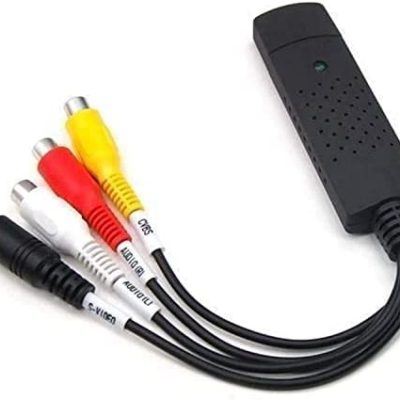
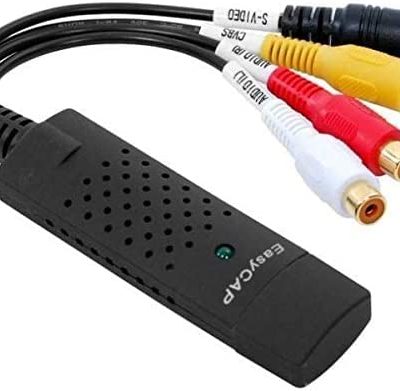
Brand: Other Type: Cables Compatible with: Computers – PCs Seamless functionality
Code:3220983


Ideal Replacement for Your Official Switch Dock – with this portable and compact dock, you will never need to carry the heavy and bulky original switch dock when you are on the go. Lightweight & portable – Unlike the heavy and bulky original switch dock, this dock is much smaller, easy to carry around and it works as good as the standard dock for Switch. Its small size fits well in pocket, Switch case and travel bag. Easy to Use TV Mode – 1.Connect power supply to the converter adapter. 2. Connect HDMI cable to your console and turn on TV/display screen. 3. Get switch to home screen and remove controller before plugging the HMDI hub into the switch. 4.Connect to your switch console by type-c. Dissipate Heat – The original Switch Dock makes the console become hot quickly. But use our Type C to HDMI Adapter, you will never worry about this problem. 3-in-1 Multi Ports Design – The switch dock with1*USB 3.1 + 1*HDMI + 1*USB Type-C charging port, Perfect support for Switch, MaBook / MaBook Pro and more USB C Device.
Code:39220704

Reviews
There are no reviews yet.